Screen & battery — guides
Compare the signs of a cracked screen, a worn battery and a Face ID fault after a drop or screen replacement.

Cracked phone screen: what you can do, how long repair takes and when data is at risk
Cracked screen — protection, data, repair timing.
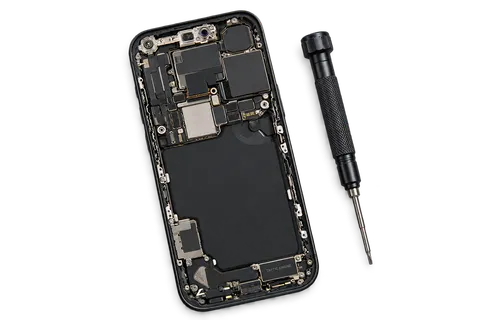
Phone battery drains fast: signs it needs replacing
Fast battery drain — wear signs, tests, replacement.
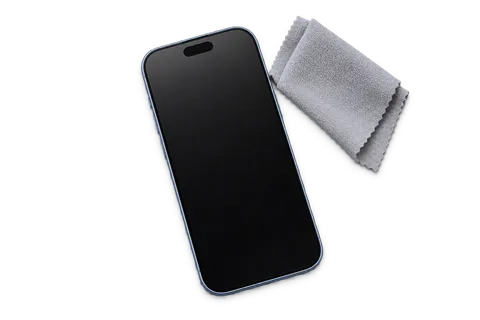
Face ID not working — after a drop, new screen or liquid
Face ID — TrueDepth, screen, diagnostics.

iPhone 12 repairs: when a screen, battery or port is worth fixing
iPhone 12 through 12 Pro Max: identify the phone and avoid guesswork repairs.

iPhone 13 repairs: mini, Pro and Pro Max need different decisions
iPhone 13 family: assess runtime, display and cameras for the exact model.

iPhone 14 repairs: Plus and Pro need different checks
iPhone 14: distinguish Plus from Pro and assess impact before selecting a part.

iPhone 15 repairs: USB-C, screen, battery and cameras
iPhone 15 family: diagnose USB-C and inspect before replacing a part.

iPhone 16 and 16e repairs: identify before diagnosing
iPhone 16 and 16e: five models, different layouts and diagnosis without assumptions.

iPhone 17, 17e and iPhone Air repairs: distinct models
iPhone 17, 17e and iPhone Air: correct names, different years and model-specific assessment.

iPhone 18 Pro and Pro Max repairs: identify before quoting
iPhone 18 Pro and Pro Max: inspect before selecting a part.